🔗
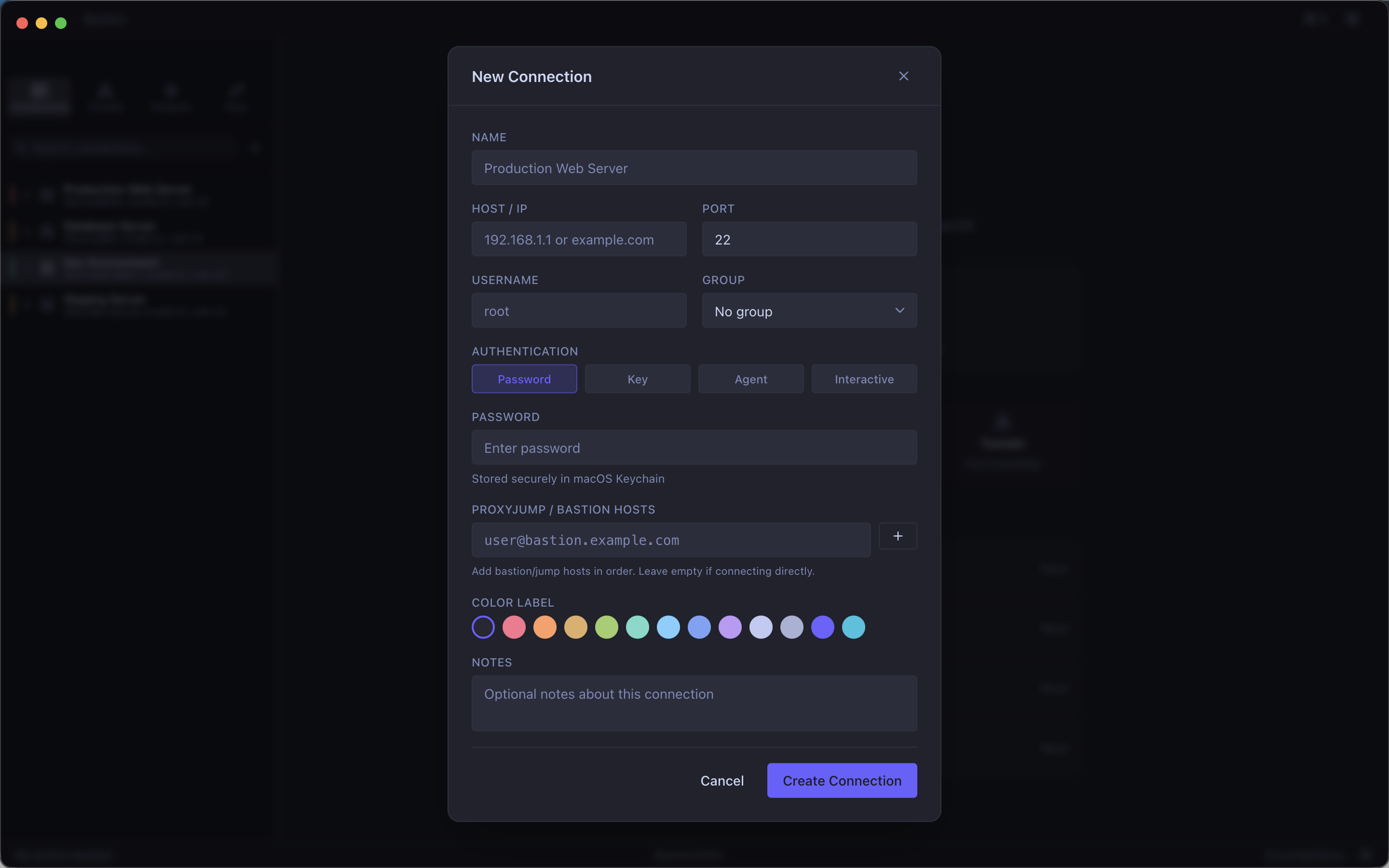
Connection Manager
Organize all your SSH servers in one place. Supports password, key-based, and interactive authentication. Passwords are stored securely in the macOS Keychain.
⚡
Quick Connect
Hit ⌘K anywhere in the app to instantly search and connect to any server — keyboard-first, always fast.
🚇
Port Forwarding
Create and manage SSH tunnels with a visual interface. Local, remote, and dynamic (SOCKS) forwarding — no command-line flags to memorize.
🗂
SFTP File Manager
Browse, upload, and download files over SFTP with a dual-pane file manager. No extra apps needed.
🔑
SSH Key Management
Generate, import, and manage SSH keys from within the app. Associate keys with specific connections for seamless authentication.
📝
Command Snippets
Save frequently used commands as snippets. Insert them into any terminal session instantly — perfect for long deployment or diagnostic commands.
🎨
Beautiful Terminal
A built-in terminal with full color support, customizable fonts, and themes. Looks great in both light and dark mode.
🔒
Secure by Default
Credentials never leave your Mac in plain text. Passwords and passphrases are stored exclusively in the macOS Keychain.
🖥
Native macOS App
Built specifically for macOS — supports Retina displays, full-screen mode, macOS shortcuts, and integrates naturally with the system.